

Last updated: 1 October 2026
The best Stardew Valley mods are not hard to find anymore. Out of hundreds of recent mods, we have filtered out the best ones for you. As you enjoy farming, fishing, crafting and meeting new people in Stardew Valley, these best Stardew Valley mods 2026 will help you make your game much more fun. We will also check how to install Stardew Valley mods.

Best Stardew Valley Mods 2026
These are the best mods Stardew Valley in 2026.
All Garbage Cans
The Garbage Cans mod will let you check one garbage can in Pelican Town and it automatically checks every other garbage can too. All the items are collected and dropped from the one can you opened. The normal garbage loot, chances, and once-a-day limit stay the same, and nearby villagers only react to the can you actually check.

Lowell and the Hidden Place
The Lowell and the Hidden Place mod adds a new hidden area connected to the Community Center. It includes a new romanceable character, six unique Junimos, special events, and new story content. It will work best with a new save because much of the story depends on restoring the Community Center.
Simple Harvest Dates
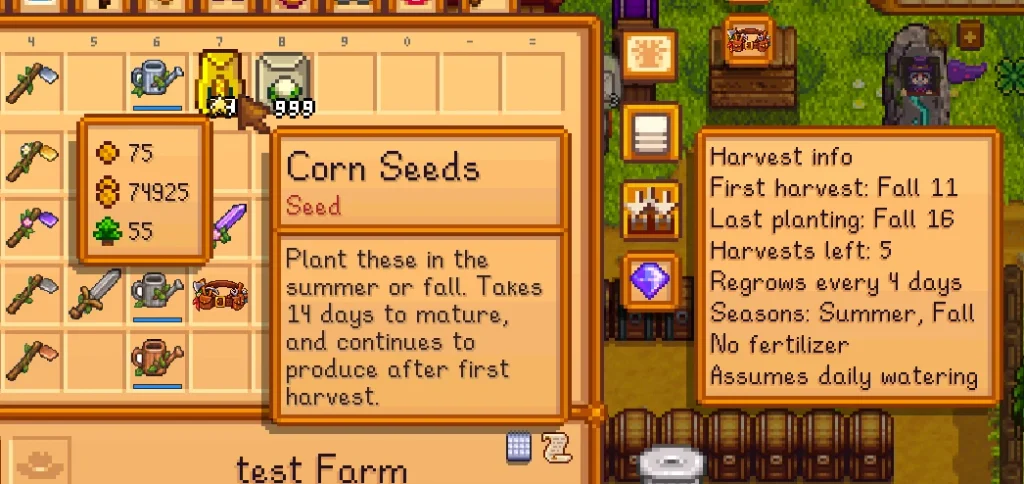
The Simple Harvest Dates mod will show useful crop information when you hover over seeds or growing crops. It will tell you when crops will be ready to harvest, the latest day you can plant them, and how many harvests you can get. It also considers fertilizers, growth bonuses, regrowing crops and custom crops from other mods.
Farmhouse Plus
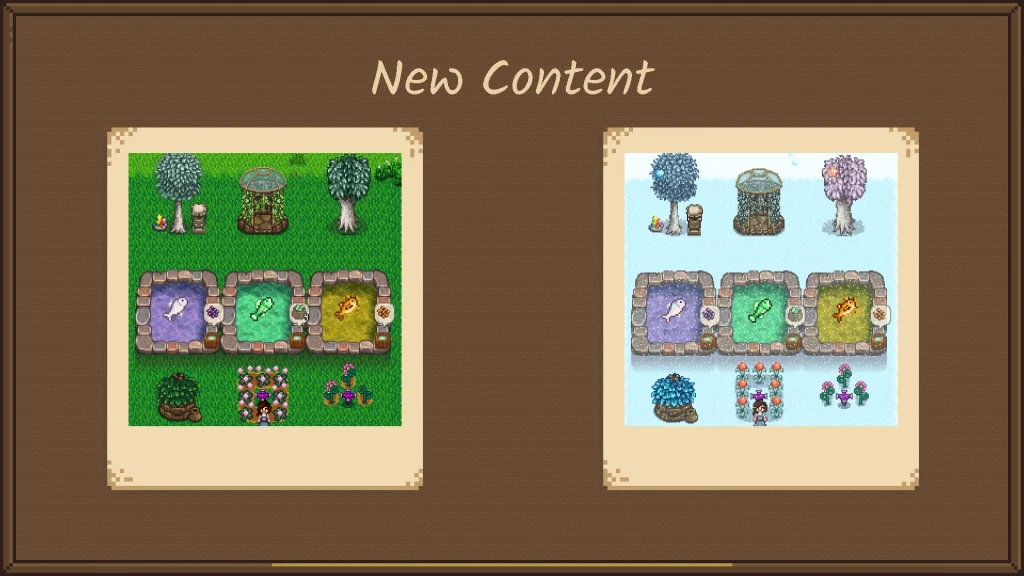
The Farmhouse Plus mod will give Robin more house renovation options for your farmhouse. It will give you extra ways to change, expand and customize your home beyond the renovations normally available in the game. With more choices from Robin, you can make your farmhouse better fit your needs and create a home that feels more personal.
Persistent Tents
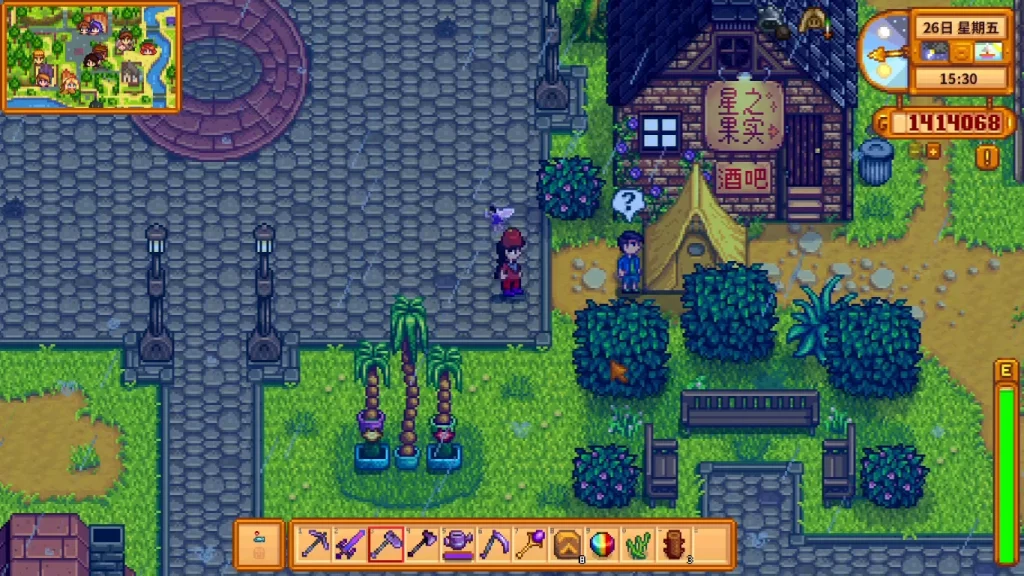
The Persistent Tents mod makes tents stay in the world instead of disappearing on their own. NPCs also cannot destroy tents by walking into them, so you can leave your tents wherever you want for as long as you like. If you want to remove a tent, you can still easily do so yourself using a pickaxe in Stardew Valley.
Seed Planner
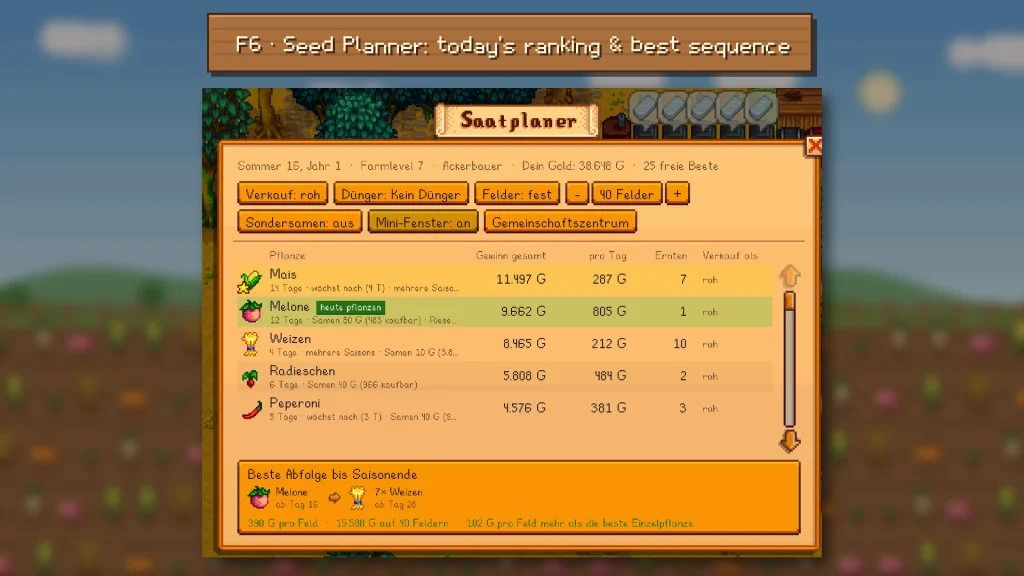
The Seed Planner mod helps you decide which seeds to buy and plant for the most profit. Press F6 to see crops ranked based on the current day, your money, skills, and available farm space, along with the best planting plan for the rest of the season. It can also plan crops for the Greenhouse and Ginger Island, and lets you choose if you wanna sell crops normally or turn them into products like jam and juice. This is one of the best stardew valley mods which you should surely try.
Artisan Workshop
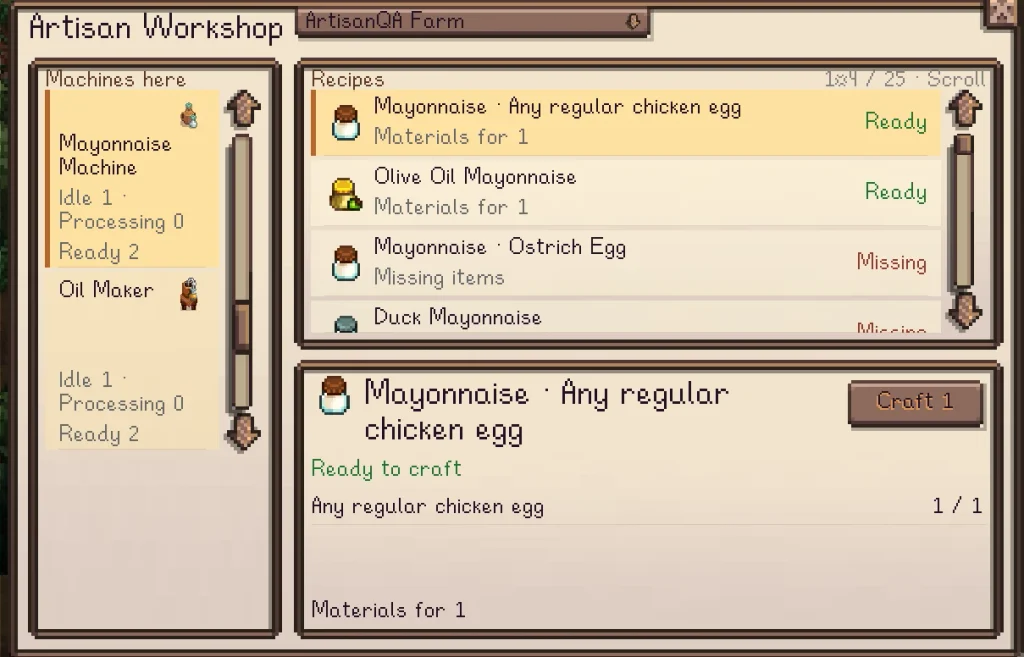
The Artisan Workshop mod gives you one simple menu where you can see and use machines and crafting recipes from different locations. You can browse available machines, check their recipes,and craft items without having to go to each machine separately. It works with the normal game machines and also supports compatible machines added by other mods, and includes recipes that need multiple materials.
Fix Error Items
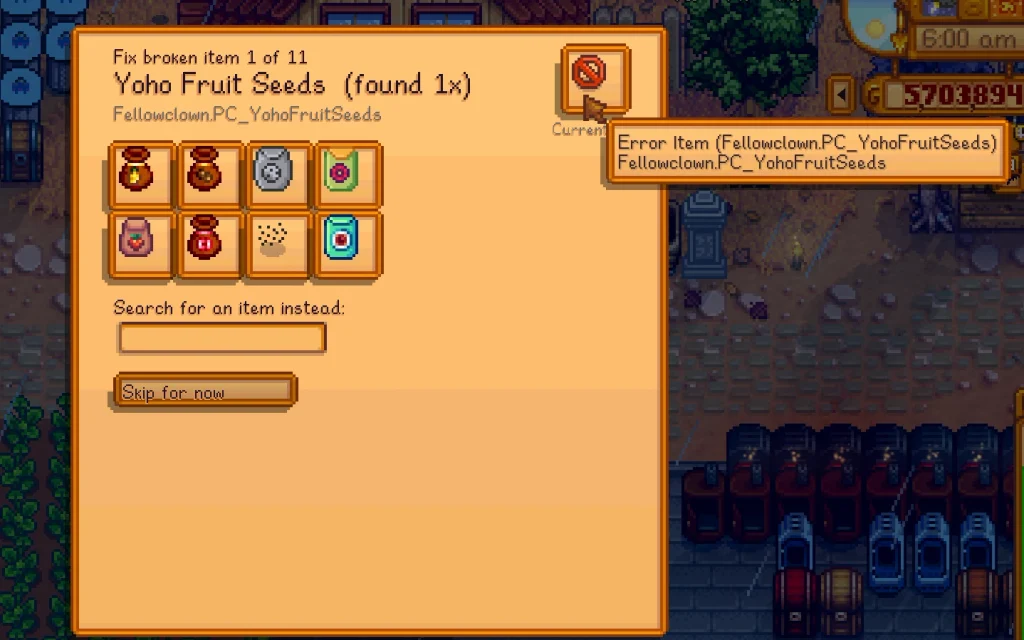
The Fix Error Items mod will fixe broken or missing items caused by updating, replacing, or changing other mods. It finds error items in your inventory, chests, machines, equipment, crops, and giant crops, then matches them to their correct new versions and replaces them. You can choose to have the fixes happen automatically or review them before they are changed.
Sign Lock
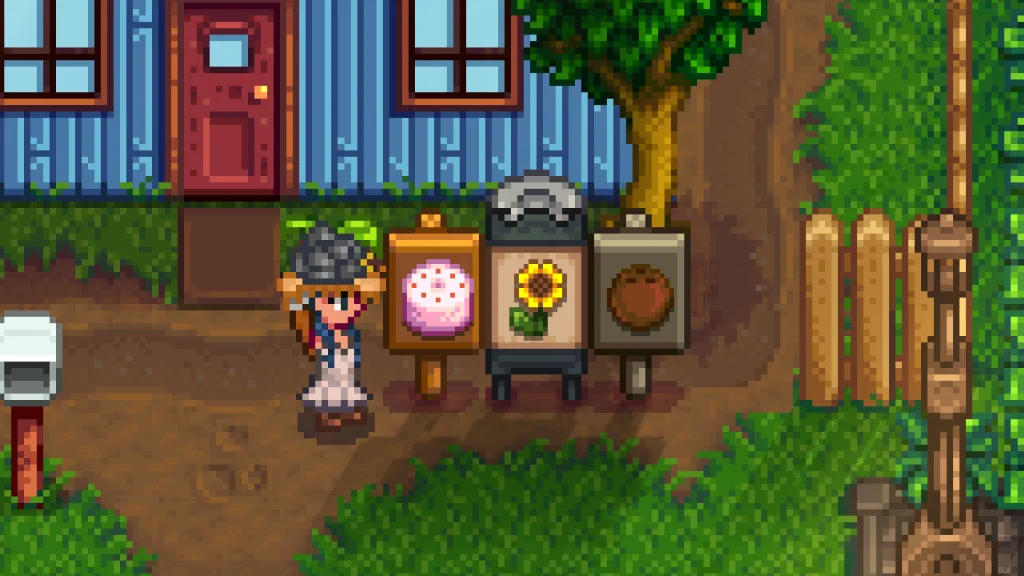
The Sign Lock mod stops you from accidentally changing the picture on your signs. Once a sign is placed, its image is locked so you can’t replace it by mistake. If you want to change it, just hold Left Ctrl while updating the sign. Picking up the sign also resets the lock and newly placed signs can be changed normally.
The Jnomes – Joja Projects
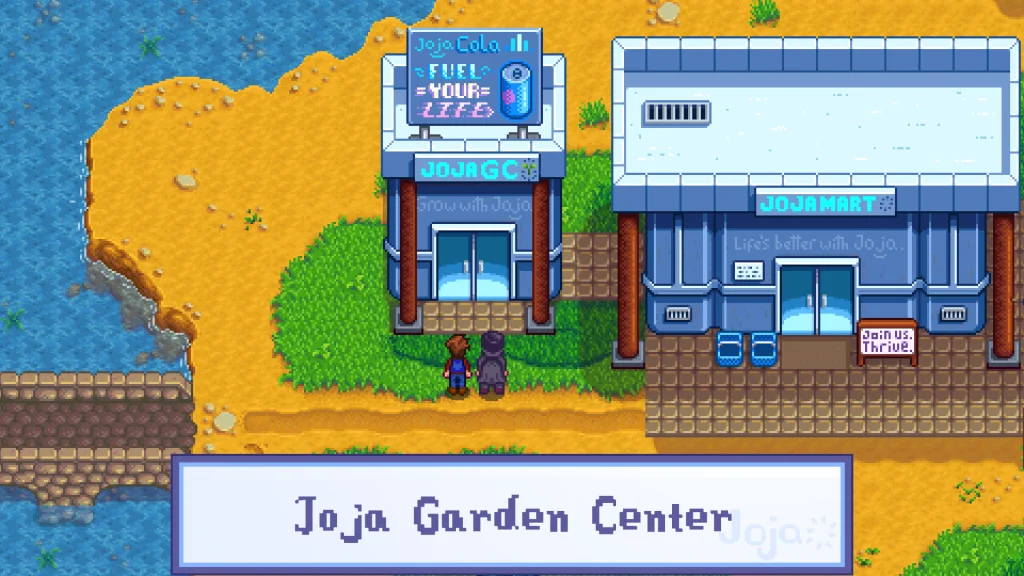
The Jnomes mod is gonna add five cute Jnomes to Pelican Town who want to bring more Joja projects to the town. You can help them fund and build new additions like Joja Cola vending machines, a better shipping bin that gives 5% more value, a Joja Garden Center with special seeds, a Joja Cafe with daily buffs and a 24-hour Joja Mini Mart.
How to install Stardew Valley Mods
This is how to install Stardew Valley Mods in easy steps.
- Install SMAPI.
- Download the mod you want.
- Extract the .zip file.
- Put the mod folder into the Mods folder.
- Start Stardew Valley through SMAPI.
- Check the mod page for any required dependencies
These are the best Stardew Valley mods. For more gaming guides, tips, codes, and more, check out Driffle Blog.


