You will be surprised when you know what you can do with an Apple Gift Card! It is not the favorite tech brand of the majority without a solid reason. The laptops, phones, tablets, everything is too cool to be true. Plus, when Apple gift cards come into the picture, they make your world whole more sweeter. You can purchase games, music, books, TV Shows, and so much more. It is like a treasure key in your hand, which you can use on the Apple platform for endless entertainment and fun. Let’s find out more about Apple and how to redeem Apple Gift Card.
About Apple
Apple is one of the leading tech brands globally that offers seamless designs and the best user experience. Founded in 1976, the popular American company produces gadgets like the iPhone, iPad, Mac, Apple Watch, and AirPods. Products from the brand are characterized by high quality, security, and excellent performance. Besides hardware, Apple also offers software and services like iCloud, Apple Music, and the App Store.
Their retail stores and support departments are recognized for being helpful and customer-friendly. Apple is a company that, without fail, introduces new ideas and features with its products every year. The brand symbolizes innovation, trust, and high-end experience, and wants to make technology accessible to all.
Apple Gift Cards
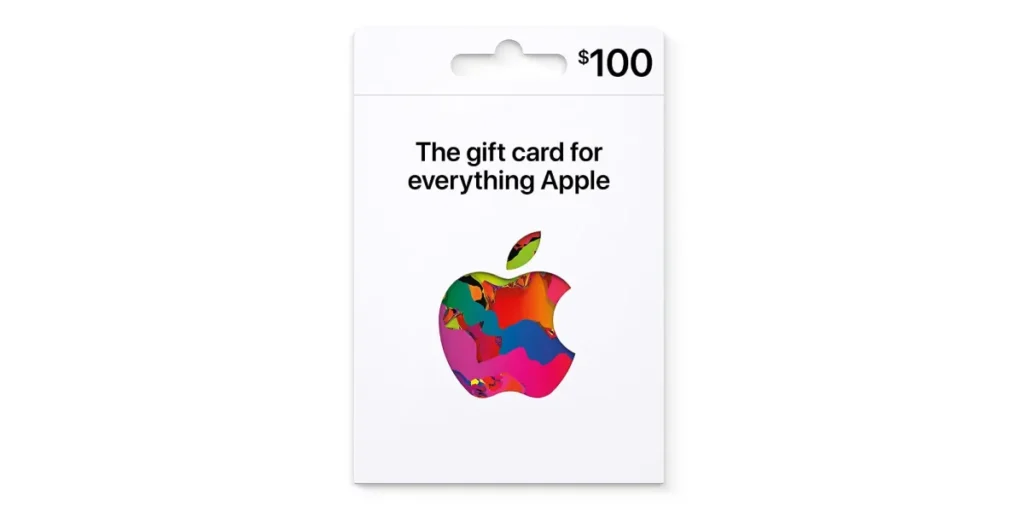
Apple Gift Cards are very user-friendly and efficient as a payment method across the whole Apple universe. They are applicable for the purchase of apps, games, music, and movies. Moreover, the same goes for services provided by Apple like iCloud, Apple Music, and Apple TV+. Many users make use of these cards for purchasing in-game items or for app subscriptions.
These cards are also eligible for shopping for Apple products like iPhones, iPads, and accessories. Gifting is made easier as you can send them online to anyone. Payments made with Apple Gift Cards are secure since only the loaded balance is spent. They can be redeemed by simply adding the code to your Apple ID. So, Apple Gift Cards are a hassle-free and safe means to enjoy the entire Apple ecosystem. Let’s proceed to how to redeem Apple Gift Card.
Uses of Apple Gift Cards
An Apple gift card can be used to grab games, movies, music, Apple subscriptions, and a lot more.
- Buy Apps & Games: An Apple Gift Card is valid for purchasing any paid application or game from the App Store. This comes in handy when you do not wish to make purchases using your debit or credit card.
- Get Music & Movies: The gift card allows you to buy music, albums, and movies on Apple Music or through the iTunes Store. You won’t have to wait to enjoy your favorite entertainment.
- Subscribe to Apple Services: You can pay for your subscriptions, such as Apple Music, Apple TV+, Apple Arcade, and iCloud storage renewal. The gift card balance will be applied first before your bank account.
- Buy Books & Audiobooks: If reading is your hobby, the Apple Books platform will sell you eBooks or audiobooks with the gift card.
- Purchase In-App Items: The gift card can be used to buy items such as coins, skins, and levels in the game. It’s a win-win for gamers.
- Shop on the Apple Store Online: Unlike older iTunes gift cards, the new Apple Gift Card works for buying Apple products too. You can purchase iPhones, iPads, AirPods, accessories, and more.
- Renew Subscriptions: If you have auto-renewal apps or services, your balance will help you pay for them without extra steps.
- Gift to Someone Else: If you don’t use it yourself, you can give the code to a friend or family member as a quick digital gift.
- Safe and Easy Payments: Using an Apple Gift Card keeps your bank details safe since you only spend the balance added to your Apple ID.
How to Redeem Apple Gift Card
Here’s how to redeem Apple Gift Card on different platforms.
Apple Gift Card Redeem On iPhone or iPad
- Open the App Store app.
- Tap your profile picture at the top.
- Choose Redeem Gift Card or Code.
- Use your camera to scan the code or type it in manually.
- Tap Redeem to add the money to your Apple account.
Redeem Apple Gift Card On Mac
- Open the Mac App Store.
- Click your name or the sign-in button at the bottom-left.
- Select Redeem Gift Card.
- Scan the code with your Mac’s camera or enter it by typing.
- Click Redeem to apply the balance.
Apple Gift Card Redeem On Windows (using iTunes)
- Install iTunes from the Microsoft Store.
- Open iTunes and go to Account > Redeem.
- Sign in with your Apple ID if needed.
- Type the gift card code.
- Click Redeem to add the balance.
Redeem Apple Gift Card On Android (using Apple Music)
- Install the Apple Music app from Google Play.
- Open it and tap the three dots menu.
- Go to Account > Redeem Gift Card or Code.
- Enter the code and tap Redeem.
Redeem Apple Gift Card via Email
- Open the email containing your gift card.
- Tap or click Redeem Now.
- The balance will be added to your Apple account automatically.
Get Apple Gift Cards on Driffle
There’s no better spot to grab an Apple gift card than Driffle! Chosen by millions of users, Driffle continues to offer instant delivery on legit gift cards, making your shopping experience so much smoother. Plus, purchasing and redeeming them is super easy and quick as well. Just go to the official Driffle website, pick the gift card denomination that suits you, and finalize the transaction in a matter of seconds. It is a great option for yourself or for friends and family, as everyone loves Apple! Now that you know how to redeem Apple Gift Card, go ahead and enjoy!