

It’s the era of eSIMs, and you can’t deny that it has a myriad of benefits. But with the technicalities, sometimes, it is a bit tricky to keep up. Now you must be wondering, ‘Can I Transfer My eSIM to a New iPhone?’ Yes, you can transfer your eSIM to a new iPhone very easily. Let’s walk through why an eSIM is important and how to move it to your new iPhone step by step.

Why Would I Transfer an eSIM?
So, if you’re getting a new iPhone, you’ll surely want your phone number, text messages, and data to work on that new phone too. You can transfer your eSIM to do that.
How to Transfer an eSIM
Here’s the easy way to move your eSIM from your old iPhone to your new one.

Option 1: Quick Transfer During Setup
- Turn on your new iPhone.
When you start setting it up, the phone will ask if you want to transfer your phone number. - Keep your old iPhone close by.
Apple will move the eSIM from the old iPhone to the new one wirelessly. - Follow the steps on the screen.
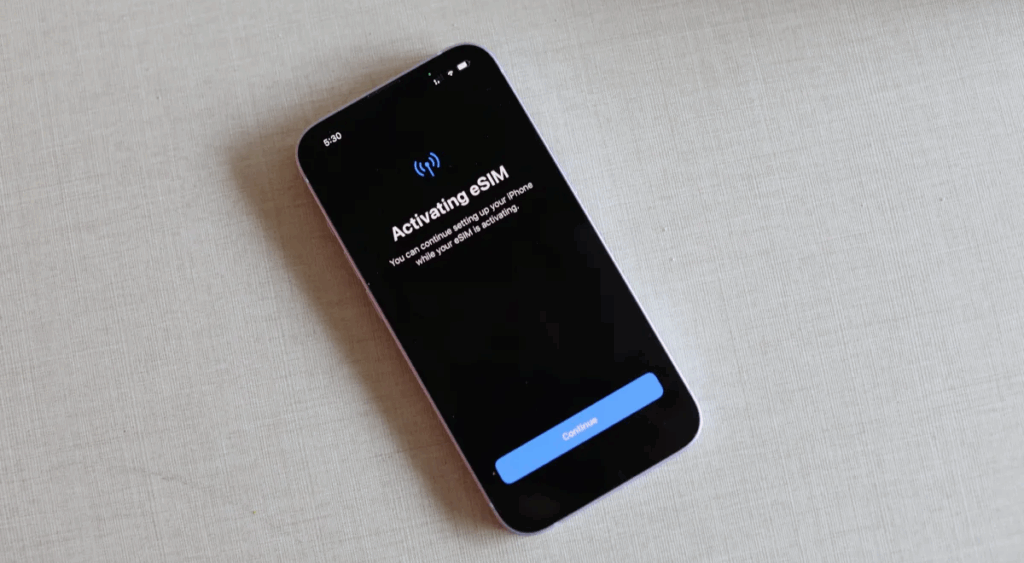
It will guide you with simple instructions. Tap “Continue” and “Transfer” when it asks you to. - Wait a moment.
The phones will connect with each other and move your eSIM. You might see a message that says, “Your eSIM is now active.”
Option 2: Transfer Later in Settings
If you didn’t move your eSIM during setup, you can still do it like this.
- Open Settings on your new iPhone.
- Tap Cellular or Mobile Data.
- Tap Add eSIM.
- Choose Transfer from Nearby iPhone.
- Follow the steps on both phones.
Final Tips
- Make sure both iPhones are charged and connected to Wi-Fi.
- Keep both phones close together during the transfer.
- If you trade in or sell your old phone, erase it only after your eSIM is on the new iPhone and is working.

Summary
So, ‘Can I Transfer My eSIM to a New iPhone?’ Follow these simple steps, and you can easily transfer your eSIM to a new iPhone. Also, if you are looking for affordable data plans for international travel, do check out Driffle eSIM.


